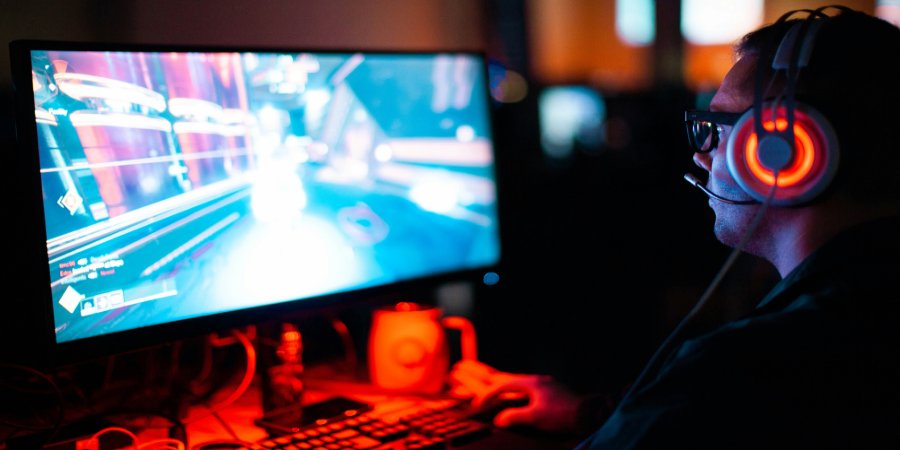
Having lag while playing an online game is really irritating. You’re about to win, but at the critical moment, something breaks down. A few seconds later, you realize you’ve lost.
Although lag is a common problem for online gamers, you don’t always have to upgrade your internet connection or get a new gaming console to solve it. You can often solve it with a few simple changes.
Here, we’ll discuss why you might experience lag and tips to minimize it.
Reasons for Lag and How to Solve It
To find the best solution, you need to understand the reasons for lag in online games. An online game involves exchanging data between your PC or console and the game’s server. When this process is delayed, you experience lag.
This delay is measured in milliseconds as a ping value. The lower the ping value, the better. This process depends on how far information travels and the quality of your network. Therefore, when you connect to a remote gaming server, you may get high ping values and experience lag. Packet loss, which occurs when data fails to reach its destination, can also cause stuttering even when your ping is relatively low.
Lastly, low frame rate can also impact your gaming performance. If your PC or console struggles to render the game, you may experience stuttering or disruptions to the visual flow of the game.
Improving Your Internet Connection
To reduce lag in online games, you need to improve the quality of your connection. Wi-Fi is always handy; however, furniture, walls, and electronic devices can affect its signal. Instead of using Wi-Fi, connect your computer or gaming console directly to the router with an Ethernet cable.
This can provide a more responsive connection for competitive games. If you are using Wi-Fi, try getting closer to the router and avoid placing it inside a cabinet. It’s also important to pay attention to how many devices are using your internet connection.
This can provide a more stable, responsive connection for competitive games
Streaming videos, downloading, and transferring files take up bandwidth and can negatively affect your game. In some cases, closing unnecessary background programs will be helpful. Another option some gamers consider is using a VPN to protect their privacy or change their virtual location.
Choosing a suitable server may sometimes help improve connection stability, depending on network conditions (if it’s near your home). If you want to try one without spending too much, you can take advantage of Surfshark’s Cyber Monday deal to explore its features at a lower cost. Of course, make sure your internet connection is stable before trying additional tools.
Optimizing Your Game Settings
Sometimes your internet connection works perfectly, but your game still lags. This happens when your PC or console can’t handle the game’s graphics or some background processes. For example, if you’re gaming on a PC, you can lower your graphics settings to help your device run more smoothly.
It’s good to reduce reflections, shadows, and other visual effects. Another useful step is closing the software you don’t need. Your browser, game-recording programs, and other applications may consume resources.
You can take several additional steps to improve gaming performance; for example, try to follow Microsoft’s own optimization guide.
In addition, you shouldn’t forget about checking the server region of your game. Many multiplayer games allow you to choose a server depending on the geographical location of the players. This helps shorten the distance between you and the server and minimize the time data takes to travel. However, if you’re playing with friends in another country, you should find a server that works for everyone.
Checking Your Router and Gaming Equipment
Your router is an important part of gaming online. If it’s old, overloaded, or placed improperly, you may experience connection problems even with a decent internet plan. One possible solution is restarting your router, which may help with temporary issues.
Also, check for firmware updates from the manufacturer. Some routers have special settings that prioritize gaming traffic over other activities. This may help if you’re gaming while others are using the same internet connection.
If the lag persists, check your internet connection at different times of day. If you experience frequent lag during peak hours, it may be due to congestion or issues with your internet service provider. It’s important to check your equipment and game servers first before buying anything new.
Conclusion
Lag in online games is rarely solved by expensive upgrades alone. A wired connection, proper router placement, reduced background downloads, and optimized gaming settings can really help.
It’s best to start with the simplest fixes and test your connection after each change. A few small changes may very well be enough to improve your gaming experience.