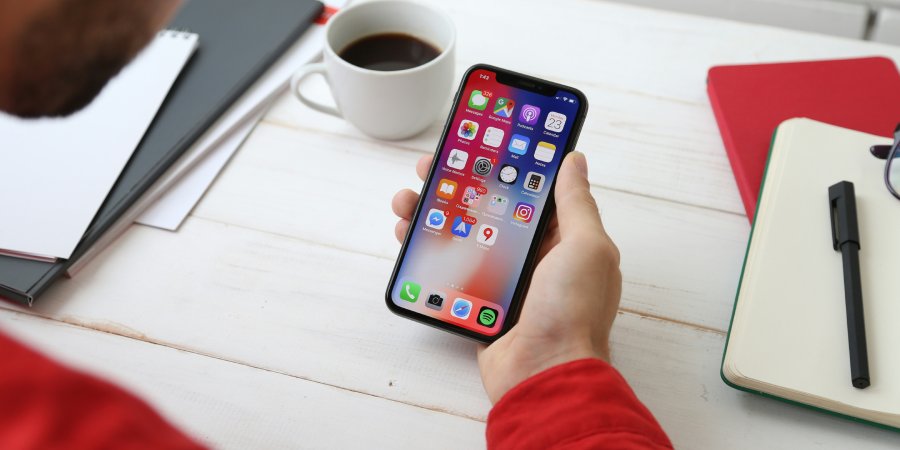
Not every betting app on your phone was built for your phone. The difference between a native app and a desktop port shows up the moment you try to place a live bet during a packed Saturday fixture. Load times, touch accuracy, how fast your bet confirms. If you’ve ever opened a platform like 1xbet or any other betting app and felt that one responds noticeably quicker, the build type is almost always the reason.
Native Apps Run on Your Phone’s Own Engine
A native app lives on your device. Interface assets, menu structures, icons, layout logic. All stored locally. When you open it, the only thing pulled from a remote server is live data. Current odds. Bet confirmations. Your balance. Everything else is already there.
That makes a real difference in how the app feels under your thumb. Tapping a market loads instantly since the UI framework already lives on your device. The game library scrolls without hitching. Biometric login through Face ID or fingerprint talks directly to your phone’s security hardware, which is why the unlock feels seamless compared to typing a password into a browser-based login screen.
Desktop ports take a different approach entirely. The interface re-downloads from a server every session, or sits inside a browser wrapper packaged as a home screen icon. The rendering leans on the browser engine, not the phone’s native toolkit. Buttons were sized for mouse pointers. On a phone screen they feel cramped, and the bet slip often requires more taps to navigate than it would on a purpose-built mobile interface.
The energy consumption differs too. Research on native vs web apps shows that browser-based versions use more battery and data per session because they’re constantly pulling resources from a remote server. A native app draws from local storage for most of its interface work, which keeps battery drain lower during longer sessions.
The Gap Shows Up During Live Matches
Pre-match browsing at noon? You won’t notice much difference between native and ported. Live betting during a Premier League fixture at 3pm? You’ll feel it immediately.
| Feature | Native App | Desktop Port |
| First-open load time | Slower (installs assets) | Faster (streams from server) |
| Repeat-use speed | Fast (cached locally) | Varies (depends on connection) |
| Bet confirmation latency | Lower | Higher under load |
| Biometric login | Full integration | Inconsistent or missing |
| Push notifications | Reliable | Inconsistent across devices |
| Live streaming quality | Integrated with bet slip | Often opens separate player |
| Touch responsiveness | Designed for taps | Scaled from mouse clicks |
A native app confirms a bet and updates your balance in under a second on a decent connection. That speed matters when you’re placing three in-play bets in quick succession during a match with shifting odds. The ported equivalent adds latency because every tap makes an extra round trip to the server, and during peak traffic those extra milliseconds stack up.
How to Tell Which One You Downloaded
Thirty seconds. That’s all it takes. Open the app. If there’s a URL bar or browser navigation at the top, you’re inside a web wrapper. Look for biometric login. Face ID or fingerprint available means native. Place a small bet and watch how the odds refresh. Instant and smooth points toward native rendering. Visible loading spinners between refreshes point toward a web layer running underneath.
Users who access platforms in multiple languages, including those who register through links like التسجيل للحصول على حساب 1xbet للحصول على مكافأة interact with localized versions that vary in build quality. A native Arabic interface handles right-to-left text through the phone’s own layout engine. Ported versions built for left-to-right desktop layouts sometimes display Arabic text with awkward alignment and reversed menu direction.
Why This Matters for Live Betting
Live betting generates the highest revenue per session for operators. Odds shift every few seconds. Markets suspend after goals or cards and reopen with new prices. If your app routes every tap through a browser layer, an extra half-second of delay means you’re confirming a bet at a price that already changed.
WebSocket connections push odds updates to your screen the instant they change on the server. That’s what native apps use. The alternative is polling, where the app checks the server for new data every few seconds on a timer. Pre-match you won’t notice the difference. During a live match that polling delay is the gap between the price you tapped and the price your bet confirms at.
The next time you open a betting app before kickoff, tap around the interface for ten seconds. Open a market, scroll the game list, check if biometric login is available. How fast it all responds tells you more than any app store rating. And if you’re planning to bet live during the match, those ten seconds of testing could save you from confirming bets at prices you didn’t intend.